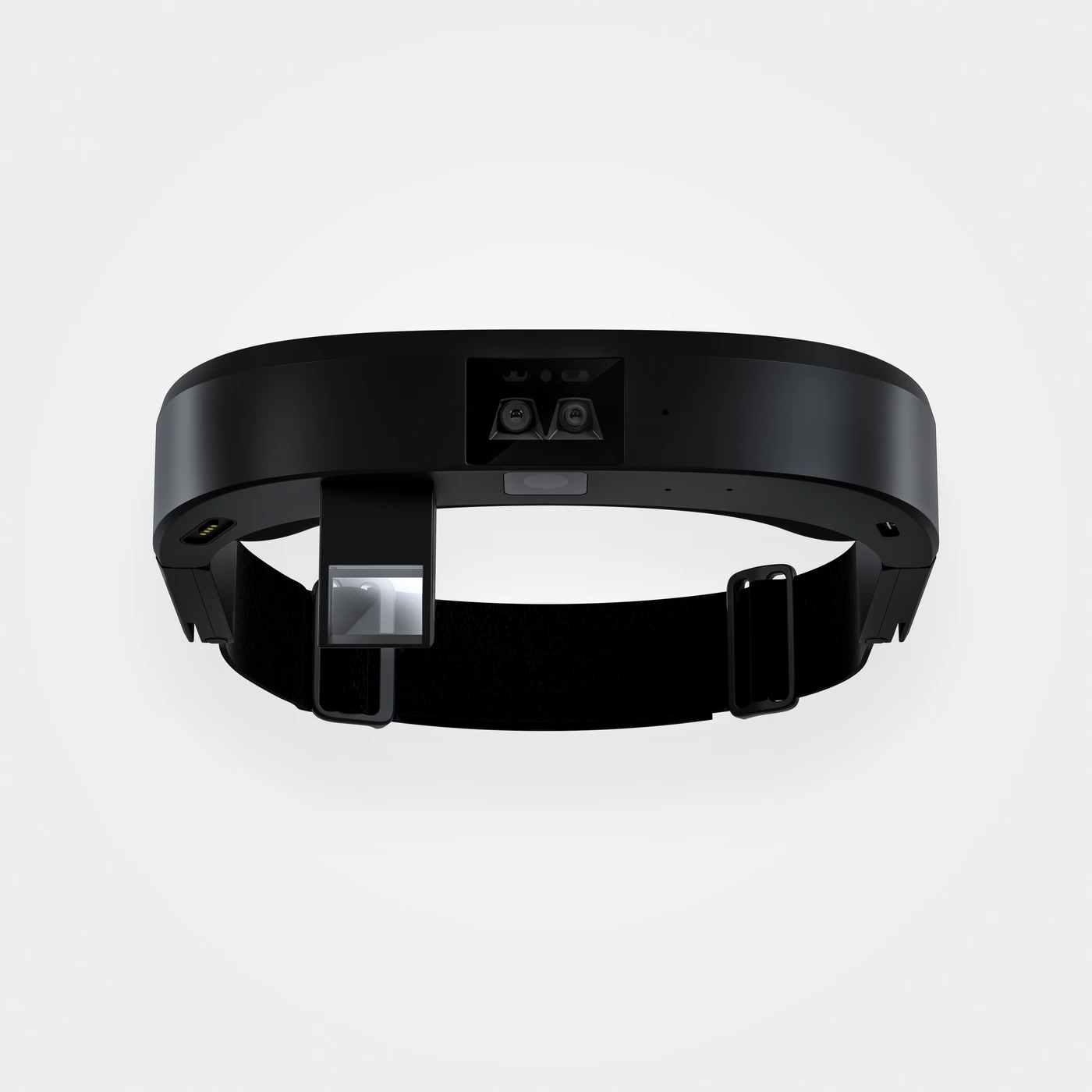
RealWear Arc 3
VIRNECT Remote · Hands-free remote assistance, subject to software and firmware configuration.
Explore hardwareVIRNECT Remote
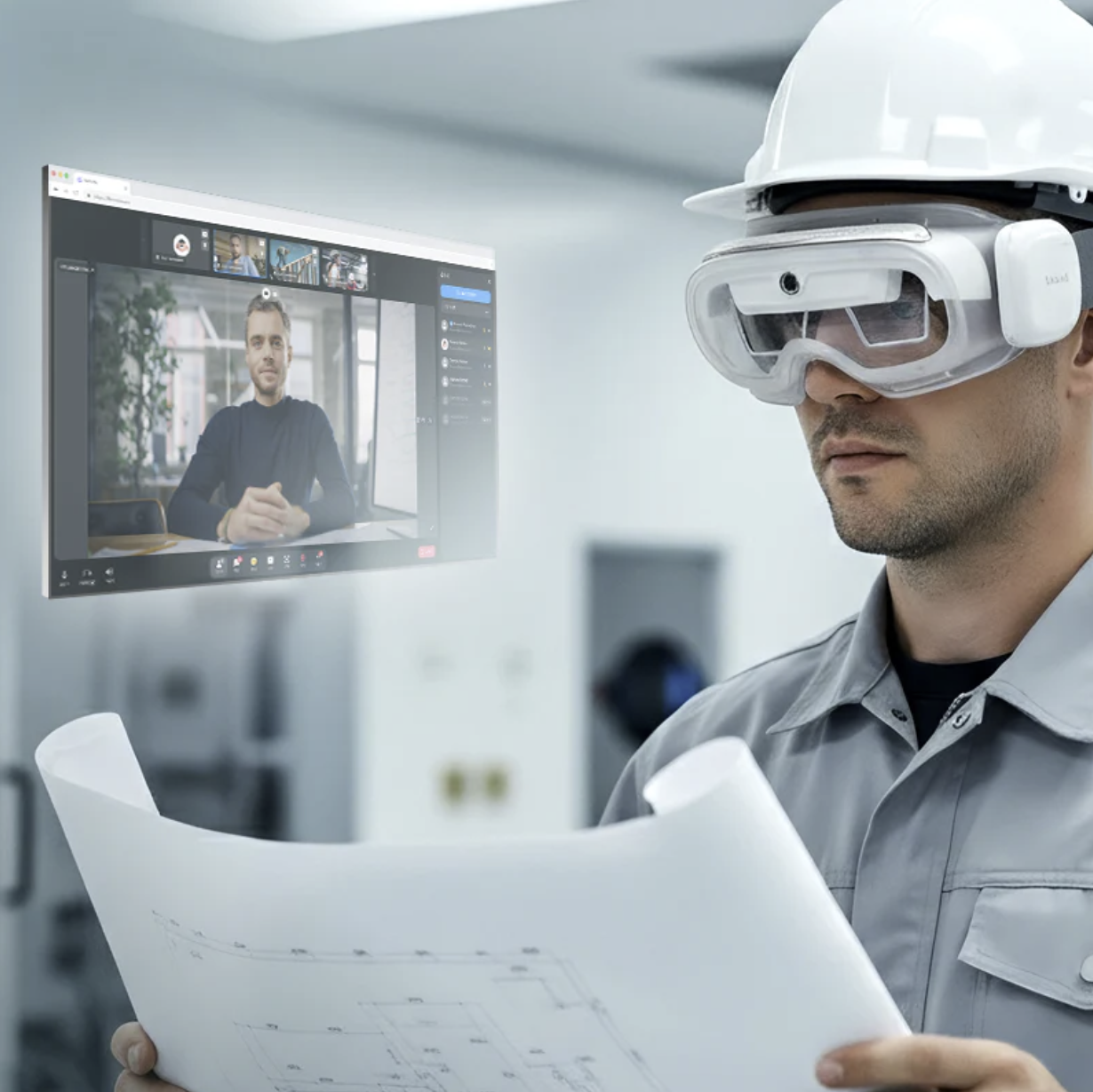
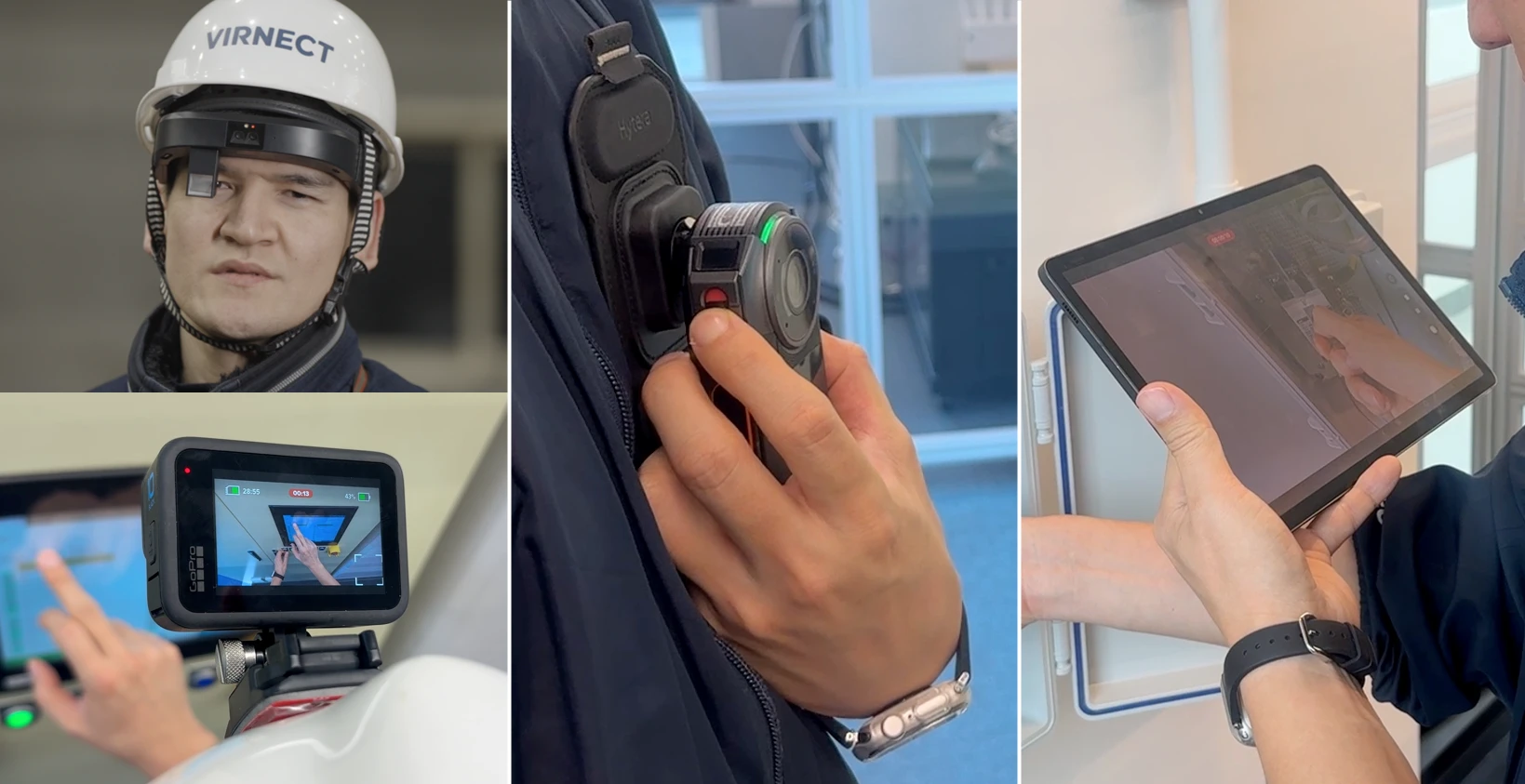
Connect frontline workers with remote specialists through real-time video, AR pointing and secure collaboration. Reduce unnecessary site visits, accelerate troubleshooting and support complex industrial tasks with clearer visual communication.
Core capabilities
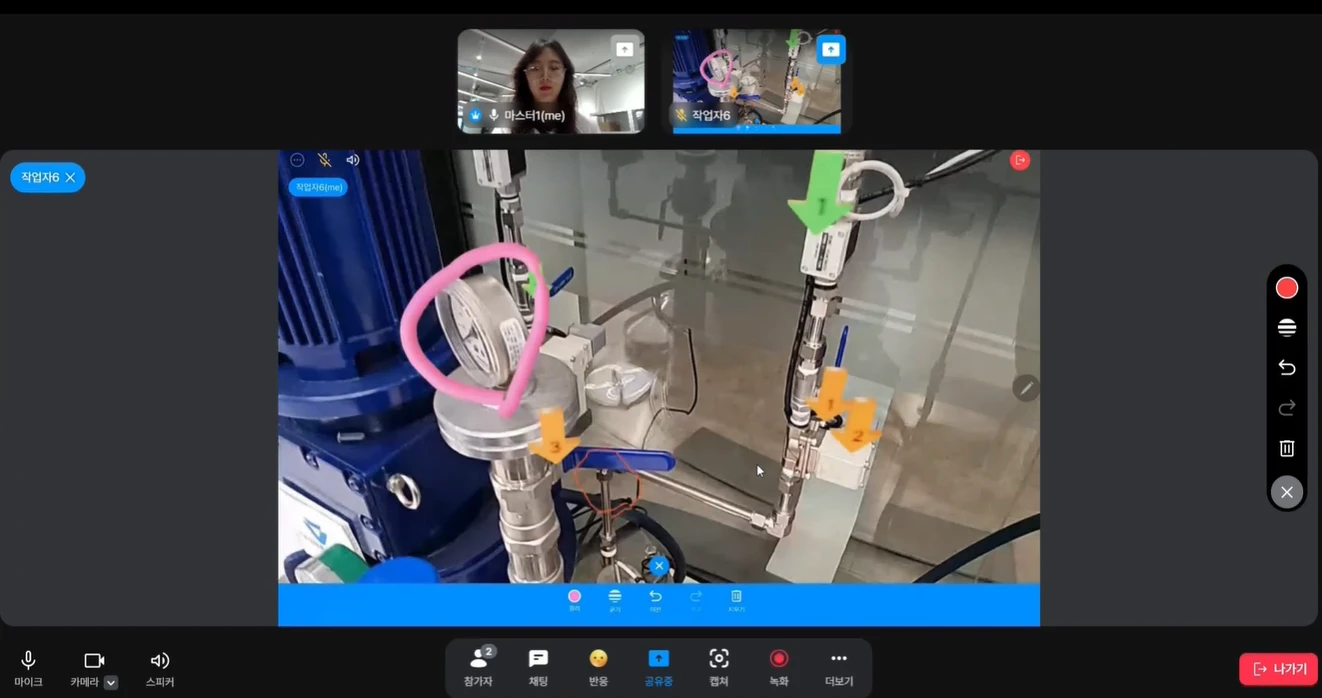
Bring specialists into the working environment without requiring them to travel to the site. Share the worker’s view and discuss the task together.
Highlight equipment and mark areas on the shared view to make instructions easier to follow.
Connect workers and experts through live audio and video for guided inspection and troubleshooting.
Collaborate from supported smart glasses, mobile devices and computers.
Device, operating system and application version determine available functions.
Use a QR-based invitation to simplify access to a remote support session.
Invitation and guest access depend on the chosen service configuration.
Share visual references and supporting information so everyone can work from the same context.
Screen sharing and file handling vary by device and client.
Capture collaboration sessions for review and reuse as operational knowledge.
Recording permissions, storage and retention must be agreed for the deployment.
Support collaboration between teams working in different languages.
Translation tools, supported languages and availability require version and licence confirmation.
Bring additional camera information into supported industrial collaboration workflows.
Requires compatible camera hardware, accessories and software configuration; not standard on every device.
Assess account access, network requirements and deployment options with enterprise IT.
Enterprise-controlled networks and private deployment require a scoped technical assessment.
How it works
01
Start a support request and invite the right expert.
02
Share the frontline view through a supported device.
03
Use visual guidance and shared references to work through the issue.
04
Where enabled, retain the session under your information policy.
Compatible XR hardware
Immersive headsets for visual learning. Industrial wearables for hands-free expertise. Select hardware around the work, not the other way around.
VIRNECT Remote · Hands-free remote assistance, subject to software and firmware configuration.
Explore hardware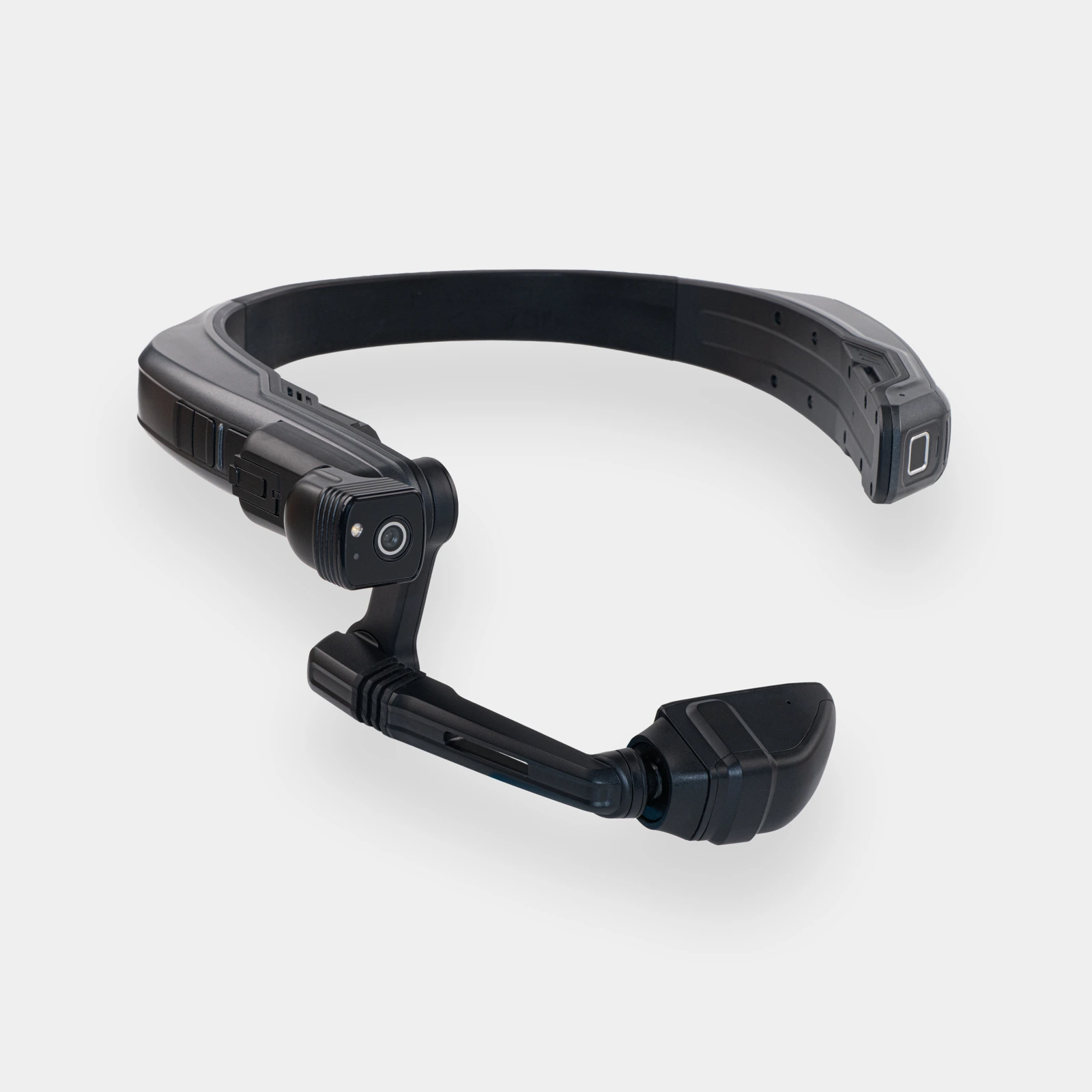
VIRNECT Remote · Hands-free remote assistance, subject to software and firmware configuration.
Explore hardwareIndustrial applications
THEXRA Integration & Training
Align devices, content and people with the way your organisation works.
Scope, interfaces, training deliverables and local support are agreed in the proposal. Network security, device compatibility and licensing are assessed before deployment.
Relevant THEXRA project
Project
AR Remote Assist & AR Tour
Location
Gelang Patah, Johor
Year
2024–Present
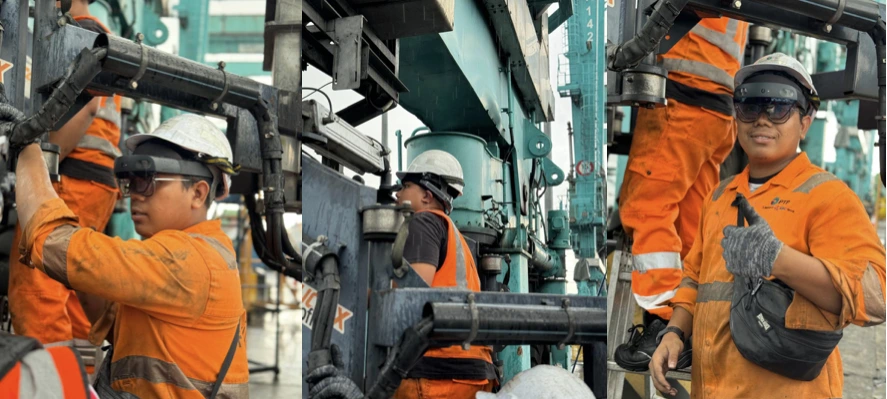
THEXRA deployed an AR visual guide with voice commands for each inspection step, helping engineers at Port of Tanjung Pelepas follow equipment inspection procedures.
During inspections and maintenance, staff use VIRNECT Remote to call a supervisor or expert for remote guidance.

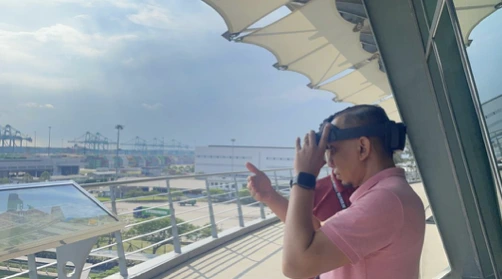
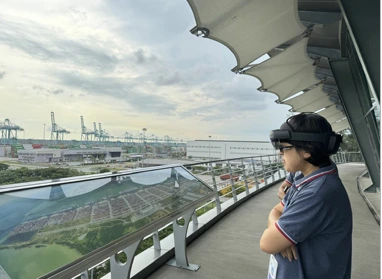
The project also includes an AR tour of the port’s facilities and infrastructure. Visitors explore 3D models and enhanced visual information, with AI voice guidance providing detailed explanations.
FAQ
Discuss your workflows, devices and deployment requirements with THEXRA’s enterprise XR team.