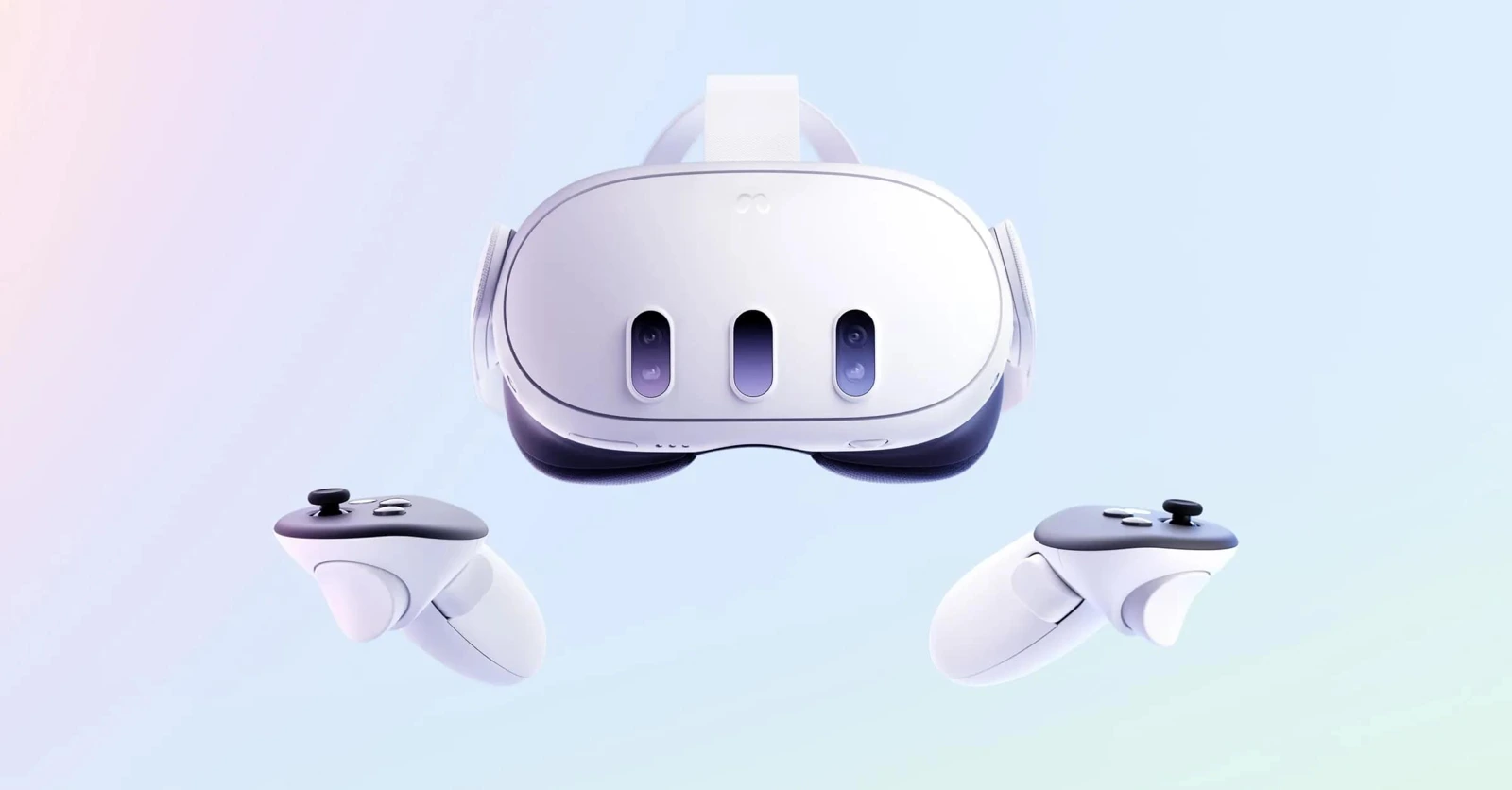
Meta Quest 3
VIRNECT Make & View · Immersive work instructions and training; feature support is assessed for the deployment.
Explore hardwareVIRNECT Make & View
Create, manage and deploy immersive work instructions, technical manuals and training experiences without complex programming. Empower employees to access visual knowledge directly through compatible XR devices.
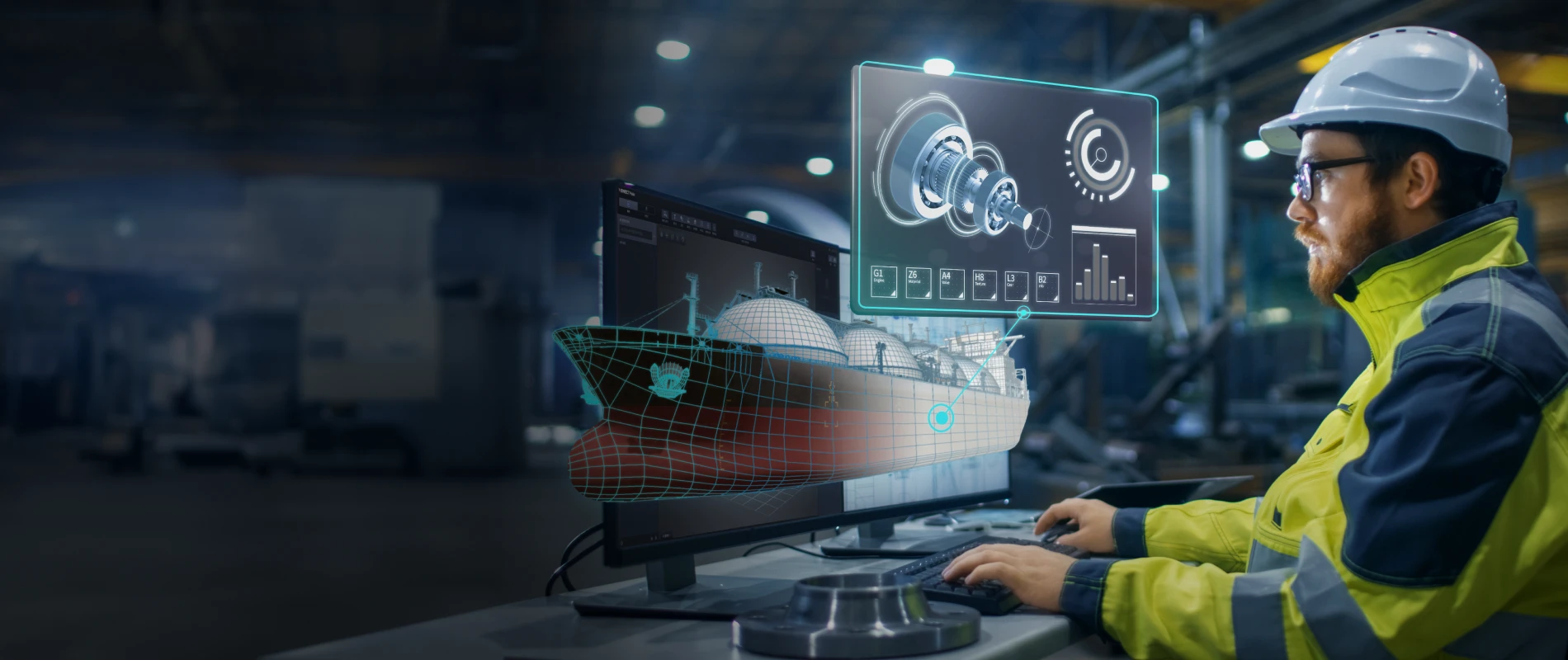
One connected workflow
Creates, edits and manages interactive XR content.
Displays and interacts with the published XR content on supported devices.
Core capabilities
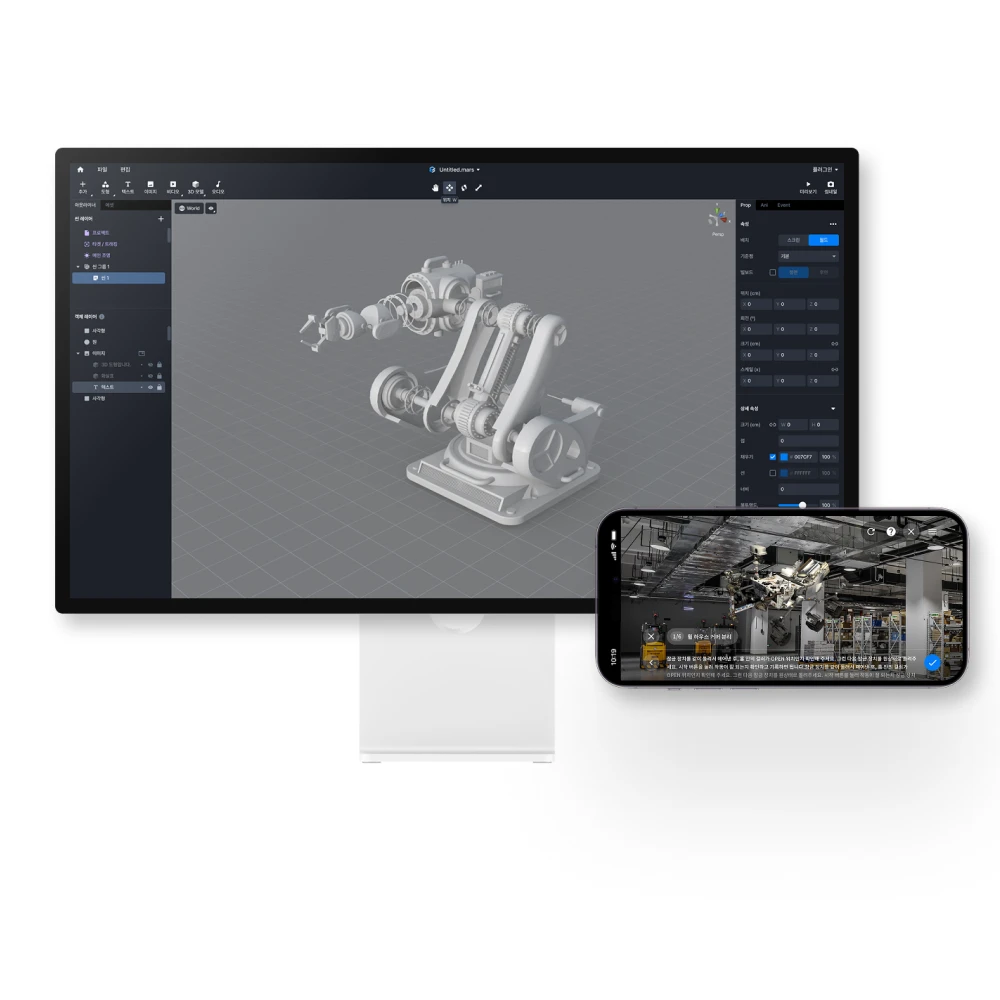
Create interactive content through visual editing rather than complex programming.
Turn procedures into visual steps using suitable 3D assets, media and interactive elements.
Place equipment knowledge in an explorable visual context for maintenance and learning.
Publish content for viewing on supported computers, mobile devices and XR headsets.
Supported formats and interactions differ between devices and versions.
Revise authored material and publish updates as procedures change.
Share access to published experiences through supported links.
Access permissions and sharing options depend on the service configuration.
Use supported collaborative viewing modes to bring people into shared learning experiences.
Confirm licence, device and version support for multi-user sessions.
Explore immersive spaces with supported interaction and movement tools.
VR functionality depends on the selected headset, content and application version.
Use supported downloaded content where continuous connectivity is not available.
Offline availability, authentication and content updates require confirmation for the selected client and licence.
Assess how agreed industrial information can be represented within an XR experience.
Interfaces, data access and integration engineering are scoped per project.
Add spoken guidance to supported content experiences.
Language and voice availability vary by version and configuration.
Organise authored experiences and keep technical knowledge aligned with current procedures.
How it works
01
Author visual procedures and training content in Make.
02
Prepare the experience for supported viewing environments.
03
Provide approved access to the people who need it.
04
Explore and interact with the content in View.
05
Revise knowledge and republish when procedures change.
Compatible XR hardware
Immersive headsets for visual learning. Industrial wearables for hands-free expertise. Select hardware around the work, not the other way around.
VIRNECT Make & View · Immersive work instructions and training; feature support is assessed for the deployment.
Explore hardware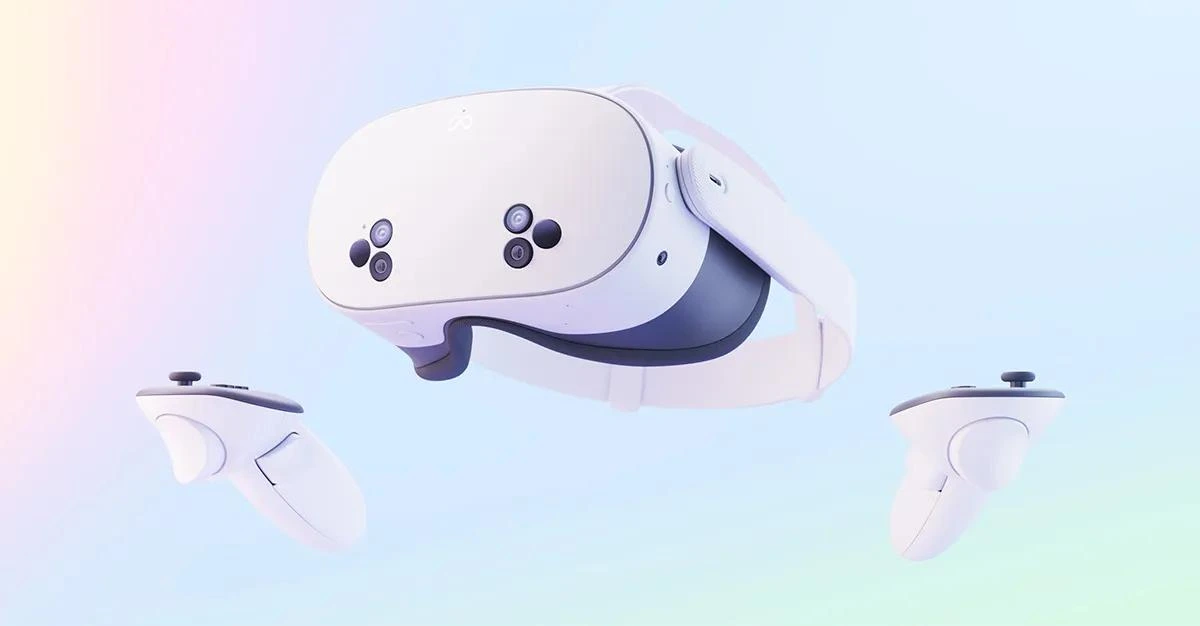
VIRNECT Make & View · Immersive work instructions and training; feature support is assessed for the deployment.
Explore hardwareIndustrial applications

THEXRA Integration & Training
Align devices, content and people with the way your organisation works.
Scope, interfaces, training deliverables and local support are agreed in the proposal. Network security, device compatibility and licensing are assessed before deployment.
Relevant THEXRA implementation
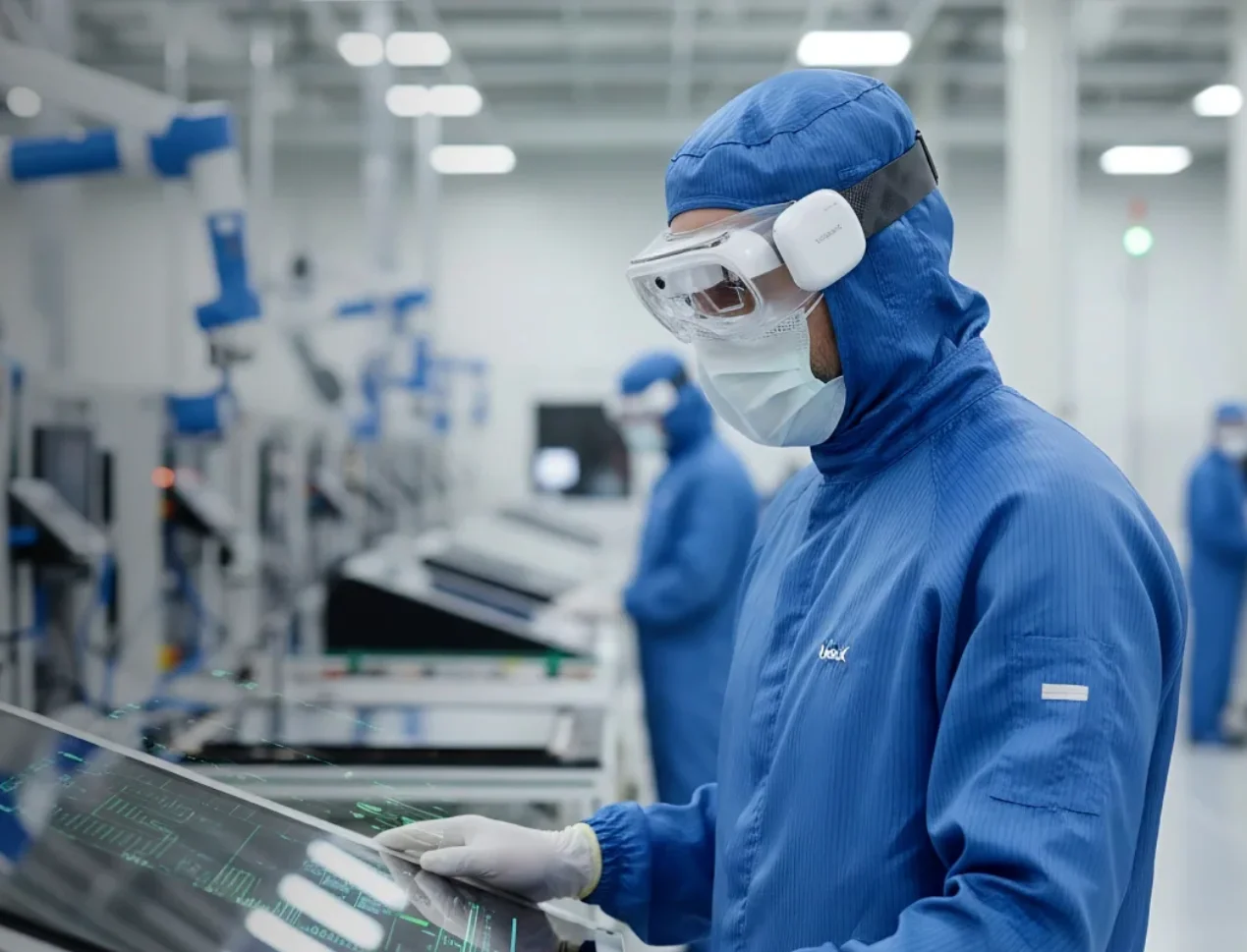
30 → 3 days
Onboarding time
30%
Improvement in on-site technician efficiency & productivity
Reported for this Globetronics implementation; not a guaranteed outcome for other deployments.
Read the case studyFAQ
Discuss your workflows, devices and deployment requirements with THEXRA’s enterprise XR team.